
Introduction
Choosing a nonprofit CRM is not simply a software purchase. It is a decision about how your organization will manage relationships, fundraising, programs, volunteers, communication, and reporting for years to come. This guide explains the practical decisions, workflows, and habits that help nonprofit teams use technology without losing the human relationships at the center of their work.
Start With the Problems You Need to Solve
It is tempting to begin a CRM search by comparing feature lists. That approach often leads organizations toward the most impressive demo rather than the most useful system. A better starting point is a short, honest review of the work that is currently difficult.
Talk with fundraising, program, volunteer, finance, communications, and leadership teams. Ask where information is stored, which tasks are repeated manually, what reports take too long, and what staff members cannot easily see today. These conversations turn a vague request for a ‘better database’ into a practical set of requirements.
Common problems include duplicate donor records, event registrations that do not connect to contact profiles, volunteer information stored in separate files, missed follow-ups, inconsistent reporting, and too much dependence on one staff member who understands the spreadsheets. Rank these problems by impact. A CRM should first solve the issues that consume the most time or create the greatest risk.
Define Who and What the CRM Must Manage
A nonprofit relationship is rarely limited to a donor. One person may volunteer, attend events, receive services, serve on a committee, and give to a campaign. Your CRM should reflect the real relationships surrounding your mission.
Create a list of the record types you need to manage: individuals, households, companies, foundations, volunteers, program participants, members, board members, sponsors, grant contacts, and community partners. Then identify the activities connected to those records, including donations, pledges, event registrations, program enrollment, volunteer hours, communications, tasks, documents, and notes.
This exercise helps you determine whether you need a donor database, a broader nonprofit CRM, or a connected nonprofit management platform. Choosing too narrow a system can force you to purchase additional tools later.
Prioritize Essential Features
Most nonprofit CRM evaluations should begin with contact management, donation tracking, reporting, permissions, data import, and communication history. After that, priorities depend on the organization’s operating model.
Fundraising-focused organizations may need recurring gifts, online donation forms, campaign tracking, acknowledgments, tax receipts, soft credits, household giving, and donor segmentation. Volunteer-led organizations may prioritize applications, skills, availability, scheduling, hour tracking, and opportunity management. Service organizations may need participant intake, case notes, referrals, service plans, outcomes, and secure document access.
Separate requirements into three groups: must-have for launch, important within the first year, and useful later. This prevents optional features from distracting the selection team from the capabilities needed for daily work.
Evaluate Ease of Use With Real Tasks
A polished demonstration can make almost any platform look simple. Ask vendors to show your actual workflows instead of relying only on their standard presentation.
Have them demonstrate how a staff member creates a contact, records a donation, corrects a duplicate, registers someone for an event, assigns a follow-up, produces a board report, and changes a user’s access. Watch the number of steps and notice whether important information is easy to locate.
Invite several future users to participate. A system selected only by leadership or technology staff may not fit the people who will use it every day. Ease of use affects adoption, data quality, training time, and the long-term value of the investment.
Review Reporting and Data Visibility
Reports are one of the main reasons organizations move away from spreadsheets, yet reporting is sometimes tested too late in the selection process.
Prepare a small list of reports your organization regularly needs. Examples include donations by campaign, first-time donors, lapsed donors, recurring gift status, volunteer hours, event attendance, program enrollment, services delivered, and outcomes by funding period.
Ask whether staff can create and save reports without vendor assistance. Check whether dashboards can be filtered by date, program, campaign, location, owner, or constituent type. Strong reporting should reduce manual cleanup rather than export the same work back into spreadsheets.
Understand Integrations and Automation
A CRM rarely operates alone. Review connections with payment processors, website forms, email platforms, accounting systems, calendars, SMS providers, social tools, and data visualization software.
Do not treat every listed integration as equal. Ask whether it is native, provided by a third party, dependent on an automation service, or requires custom development. Confirm which data moves in each direction and how often it synchronizes.
Automation should also be practical. Useful examples include sending a donation receipt, assigning a new-donor follow-up, adding an attendee to an event segment, reminding a volunteer about a shift, or alerting a program manager when a task is overdue.
Calculate the Full Cost
The subscription price is only one part of CRM cost. Build a three-year estimate that includes implementation, migration, training, support, payment processing, email or SMS volume, storage, integrations, additional modules, and expected price increases.
Some platforms charge by user, contact count, fundraising volume, email volume, or enabled modules. Ask how pricing changes as your organization grows. A low entry price can become expensive when essential functions require several add-ons.
Also consider the cost of disconnected tools. A more complete platform may replace separate event, volunteer, email, form, and reporting subscriptions while reducing manual work between them.
Examine Security, Privacy, and Permissions
Nonprofits may hold sensitive donor, participant, employee, and case information. Ask about role-based permissions, multifactor authentication, encryption, audit history, backups, data retention, and incident response.
Permissions should be specific enough to support real roles. A volunteer coordinator may need volunteer records but not financial details. A program worker may need participant records while development staff see only fundraising information.
For organizations handling health, youth, legal, housing, or case-management data, involve the appropriate compliance and legal advisors before selecting a platform.
Plan for Migration and Adoption
The quality of the implementation matters as much as the software. Identify which files and systems will be migrated, who will clean the data, how duplicates will be handled, and how historical transactions will be validated.
Ask vendors what migration assistance is included and what format they require. Request a test import before the full migration whenever possible. The organization should also identify a CRM owner, establish data-entry standards, and schedule role-based training.
A phased launch is often more successful than attempting to activate every feature at once. Start with core contacts, donations, users, and essential reports, then introduce events, volunteers, programs, automation, and additional modules in planned stages.
A Practical CRM Evaluation Scorecard
Use a weighted scorecard rather than selecting from memory after several demonstrations. Suggested categories include workflow fit, ease of use, reporting, fundraising, programs, volunteers, communication, integrations, security, implementation, support, and total cost.
Assign higher weight to the areas that directly support your organization’s mission. Require written notes beside each score. A scorecard does not make the decision automatically, but it creates a transparent record of why one platform fits better than another.
How More Good Together Fits the Evaluation
More Good Together is being designed as a connected nonprofit management platform rather than a single-purpose donor database. It brings together contacts, donations, campaigns, events, volunteers, programs, case management, board management, communication, tasks, files, and reporting.
For growing nonprofits, the value of a connected platform is the ability to see a constituent’s full relationship and reduce repetitive work between separate applications. Organizations should still evaluate More Good Together against their own requirements, workflows, security needs, budget, and implementation plan.
Final Thoughts
The right approach should reduce administrative friction, improve the quality of information, and help staff respond more thoughtfully to the people connected to the mission. Technology creates the most value when it supports clear processes, shared responsibility, respectful communication, and better decisions—not when it simply adds another place to enter data.
Frequently Asked Questions
What is the most important feature in a nonprofit CRM?
There is no single feature for every nonprofit. Reliable contact records, usable reporting, appropriate permissions, and workflows that match the organization are usually the most important foundation.
How many vendors should a nonprofit evaluate?
A focused shortlist of three to five qualified platforms is usually easier to evaluate carefully than a long list of loosely matched tools.
Should a small nonprofit choose an all-in-one platform?
It can be a strong choice when the organization needs several connected functions and has limited capacity to maintain integrations. The platform should still be easy to adopt and reasonably priced.
How long does CRM selection take?
A small organization may complete selection in several weeks. A larger organization with complex programs, integrations, or compliance needs may require several months.
Who should be involved in selecting a CRM?
Include representatives from daily users, fundraising, programs, volunteer management, finance, leadership, and technology or compliance when relevant.
Publishing Notes
- Suggested featured-image file name: how-to-choose-best-nonprofit-crm-banner.png
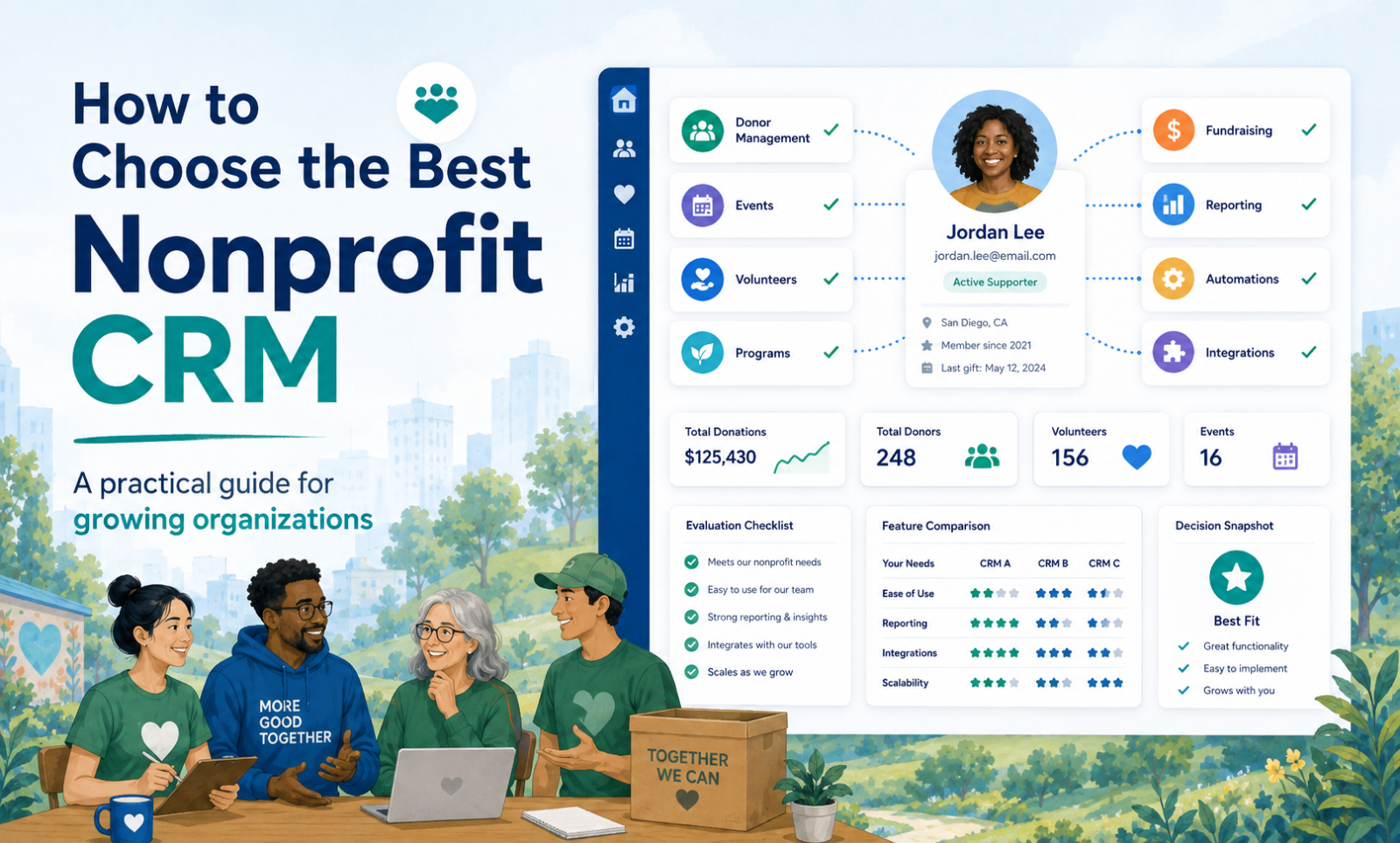
- Suggested image alt text: Blog illustration representing how to choose the best nonprofit crm.
- Recommended call to action: Explore how More Good Together can connect this workflow with your nonprofit CRM, fundraising, programs, volunteers, communication, and reporting.
- Review the article before publishing and add original screenshots, examples, quotes, policies, and product details that accurately reflect More Good Together.


